PicsArt vs CapCut (2025): The No-Fluff Winner for Your Workflow
If your day is photos and graphics, PicsArt Mod APK gives you the creative power to design faster and smarter. If you cut short-form video (TikTok, Reels, or Shorts), you’ll move even faster in CapCut. Below is a practical, side-by-side comparison that breaks down tools, AI features, templates, pricing, and which app best fits your workflow.
Snapshot Table
| Feature | PicsArt | CapCut |
| Focus | Photo editing & graphic design | Video editing (short & long) |
| Learning Curve | Simple for photo tasks | Simple timeline for beginners |
| Core Tools | Layers, cutout, retouch, collage, text, stickers | Trim/split, speed ramps, keyframes, transitions, overlays |
| AI | BG remover, object eraser, upscaler, styles | Auto-captions, beat-sync, motion blur, stabilize |
| Templates | Posts, stories, thumbnails, posters, logos | Trend video templates with music markers |
| Audio | Basic add-music | Multitrack audio, SFX, TTS, ducking |
| Community | In-app sharing/challenges | Export to TikTok/IG; no in-app social |
| Output | Images + simple clips | Videos up to 4K (device-dependent) |
| Pricing | Freemium; Gold unlocks | Mostly free; some paid assets |
Core Features
Photos & Graphics
- PicsArt: Layers/masks, precise cutout, retouch, clone, blend modes, text styles, font pairs, sticker builder, collage grids, brand presets.
- CapCut: OK for cropping or quick still adjustments; not a photo studio.
Video Editing
- CapCut: Timeline, keyframes, velocity ramps, transitions, overlays, motion blur, green-screen, aspect presets.
- PicsArt: Basic clip trims for social posts; no deep timeline.
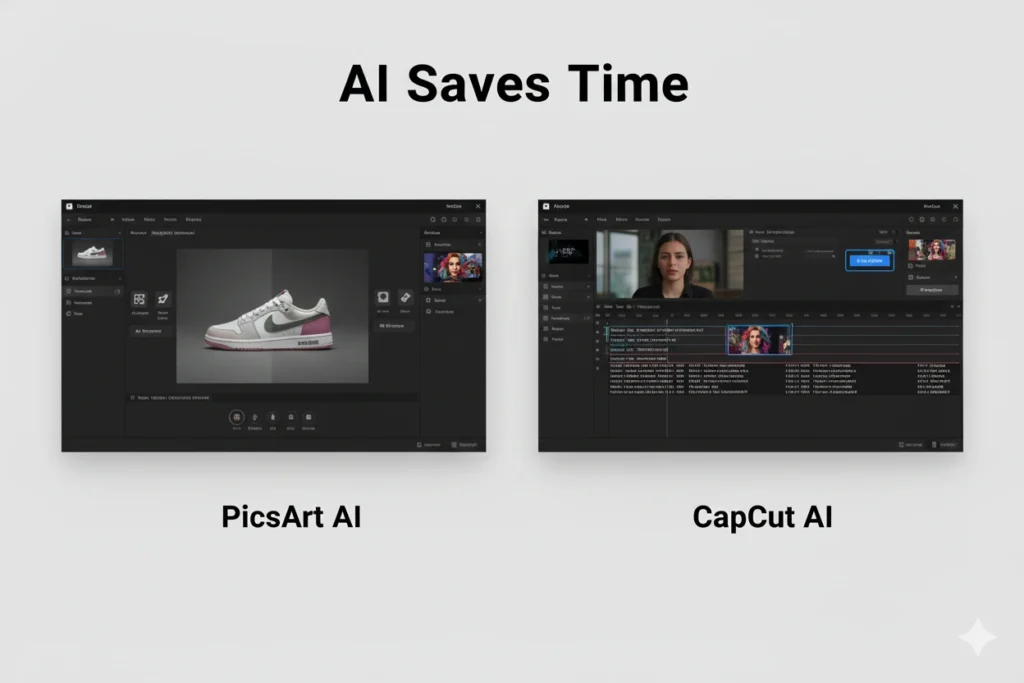
AI Saves Time
- PicsArt: One-tap background removal, object erase, upscale, AI styles—perfect for product shots & thumbnails.
- CapCut: Auto captions, beat sync, stabilize, noise reduction—perfect for talkers/reels.
Templates & Presets
- PicsArt: Post/story/thumbnail/poster/logo templates; easy brand consistency.
- CapCut: Trend templates with pre-timed cuts, transitions, caption spots.
Audio & Captions
- PicsArt: Add music to short clips.
- CapCut: Multitrack audio, SFX, TTS, ducking; styleable auto captions.
Real Workflows
IG Post / YT Thumbnail
Pick: PicsArt → cutout + shadow + outline + bold text.
Tip: Save font pair + colors as a brand kit.
Reels/TikTok with Transitions
Pick: CapCut → keyframes + speed ramps + beat-sync.
Tip: Start from a template, replace clips, adjust ramps, add captions.
Product Shots / Cleanup
Pick: PicsArt → BG remover + retouch + color consistency.
Talking-Head Shorts (Subtitles Fast)
Pick: CapCut → auto captions, noise reduce, quick jump cuts.
Pricing & Platforms
PicsArt
- Model: Freemium; Gold unlocks premium assets/tools.
- Platforms: iOS, Android, web, desktop.
CapCut
- Model: Mostly free; some premium assets/packs.
- Platforms: iOS, Android, Windows, macOS, web.
Pros & Cons
PicsArt Pros
- Best for photo/graphic pipelines
- Strong AI cleanup (BG/object remove)
- Huge fonts/stickers/templates
- In-app community & challenges
PicsArt Cons
- Video is basic
- Some assets behind Gold
CapCut Pros
- Fast timeline for shorts
- Auto captions, audio lanes, SFX, TTS
- Trend templates; exports up to 4K
CapCut Cons
- Limited photo editing
- Overused templates can look “samey” if not customized
Who Should Choose Which?
Choose PicsArt if…
- You design thumbnails, posts, covers, logos
- You need cutouts/retouch daily
- You want quick, branded graphics
Choose CapCut if…
- You publish Reels/Shorts/TikToks
- You need captions, speed ramps, transitions
- You want audio control (music, VO, SFX)
Decision Matrix (1-Minute Pick)
| Goal | Winner | Why |
| IG post / story | PicsArt | Fonts, cutout, layout templates |
| YouTube thumbnail | PicsArt | Layers + text effects |
| Product cleanup | PicsArt | BG remover + retouch |
| Trendy transitions | CapCut | Keyframes + ramps |
| Shorts with subtitles | CapCut | Auto captions + TTS |
| Montage edits | CapCut | Timeline + overlays |
Practical Tips
Style Consistency
Create a PicsArt brand kit (2 fonts, 3–5 colors). Reuse on posts & thumbnails.
Faster Reels
In CapCut: template → replace 5–7 clips → adjust ramps → auto captions → logo outro.
Thumbnail Pop
Subject cutout + inner shadow + thin outline + bold 3–5 word headline.
Conclusion
Use the right tool for the job: PicsArt for photos/graphics, CapCut for video. Many creators combine both—design in PicsArt, cut in CapCut—for the fastest, cleanest pipeline across platforms.
FAQs
Can PicsArt replace a desktop editor?
For social graphics and thumbnails—often yes. For print/CMYK or complex vectors—use pro desktop tools.
Is CapCut OK for 10–20 minute videos?
Yes, but it shines on short-form. For longer edits, keep tracks clean and use markers.
Which is better for product catalogs?
PicsArt—BG remover + retouch makes consistent product imagery fast.
Can I auto-generate subtitles?
CapCut—use Auto Captions, then style and adjust timings.
Watermarks?
PicsArt free limits some assets; CapCut exports are typically clean depending on the assets/effects you add.